
Saily Adds Coverage Maps for 200+ Destinations in 2026: How to Check a Travel eSIM's Signal Before You Buy
Saily now shows signal-strength maps for every destination it sells and a per-category breakdown of your data use. What launched on October 23, 2026, its limits, and how to check any travel eSIM's coverage before buying.
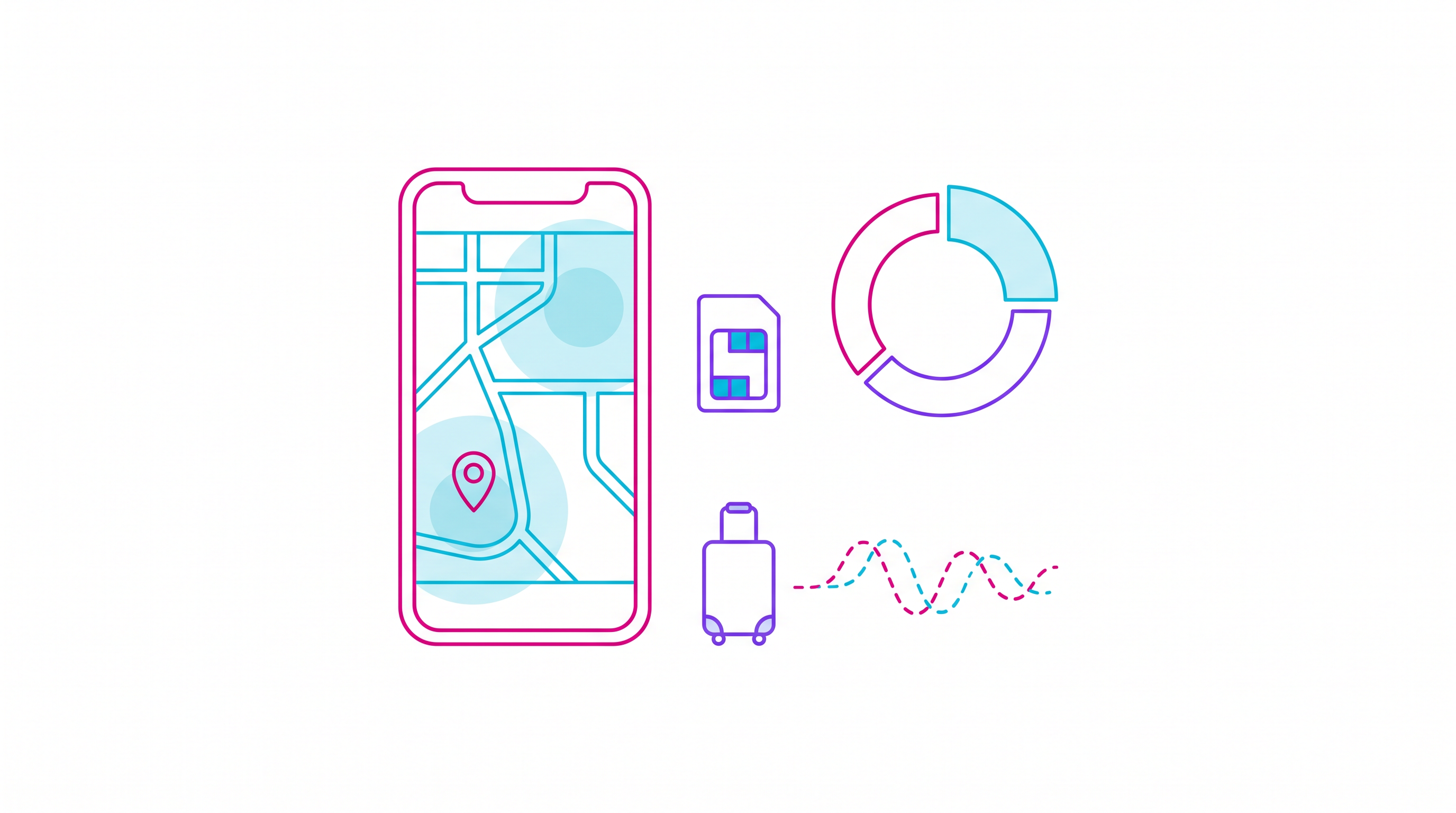
Saily, the travel eSIM app built by the team behind NordVPN, has added coverage maps for all of the 200+ destinations it sells, along with an in-app breakdown of which kinds of apps are eating your data. The company announced the update from London on October 23, 2026, and says both features are available now.
It is a small product update with a big idea behind it: travelers want to know whether an eSIM will actually work where they are going before they pay for it.
What Saily launched
According to the announcement, the update has three parts:
- Coverage maps before purchase. Each destination in the app now shows mobile signal strength across the country, including areas with weaker coverage or no connection at all. Users can zoom in on a specific region before buying.
- Data usage by category. The app shows which categories — for example social media or streaming — consume the most data, so users can adjust their habits instead of running out mid-trip.
- Privacy by design. Saily says it reads only the category of traffic, never the content, and that usage history can be deleted at any time.
"With a traditional SIM card, you're stuck with one network – if it has poor coverage where you're traveling, that's your problem," said Matas Cenys, Saily's head of product. He added that Saily eSIMs can switch between several local networks, and that the new maps let users "see the connection quality on the ground before they travel."
The features follow a run of recent Saily additions: a flight tracker that sends alerts when a saved flight's status changes, an expense-sharing tool launched on September 1, and shared plans that let a group split one data package, announced on August 24. We also covered Saily's cruise eSIM plans earlier this month.
Why it matters to travelers
Most travel eSIM buying decisions still come down to three numbers: price, gigabytes and days. Coverage is usually a single line — "4G/5G" plus a list of partner networks — which tells you little about whether you will have signal in a mountain village, on a coastal road or inside a train.
Coverage maps shift that conversation. If a destination's map shows weak signal in the region you are visiting, you can pick a different plan, download offline maps, or plan around Wi-Fi before you leave.
The data breakdown tackles the other classic travel problem: burning through a plan in three days without knowing why. Social feeds with autoplaying video and streaming apps are usually the heaviest users; messaging and maps are comparatively light. Seeing consumption by category makes the fix obvious.
There are limits worth keeping in mind. A coverage map is only as good as its underlying data, and signal strength is not the same as speed — a congested tower can show full bars and still be slow. And as our look at which travel eSIMs actually deliver 5G abroad showed, the network an eSIM connects to matters as much as the label on the plan.
How to check any travel eSIM's coverage before you buy
Whether or not you use Saily, the same logic applies to every provider:
- Find out which local networks the eSIM uses. Good providers list them per country. More than one partner network usually means fewer dead zones.
- Cross-check with independent maps. Operator coverage maps and crowd-sourced signal tools show where each network is strong.
- Look at your route, not the capital. Big cities are almost always covered; national parks, islands and border regions are where plans differ.
- Watch your data by app. Both iPhone and Android show cellular data use per app in Settings — check it after your first day.
- Keep a fallback. Download offline maps and translation packs before you go.
HOLASIM, for example, lets you check device compatibility and destination coverage before you buy, and install the eSIM before departure, so you can sort out problems at home rather than at the airport.
The bottom line
Saily's update is part of a broader shift in travel eSIMs, where providers compete on transparency and in-app tools, not just on price per gigabyte. For travelers, the lesson is simple: before you buy any eSIM, check where it actually works — and know which apps will eat your data once you land.